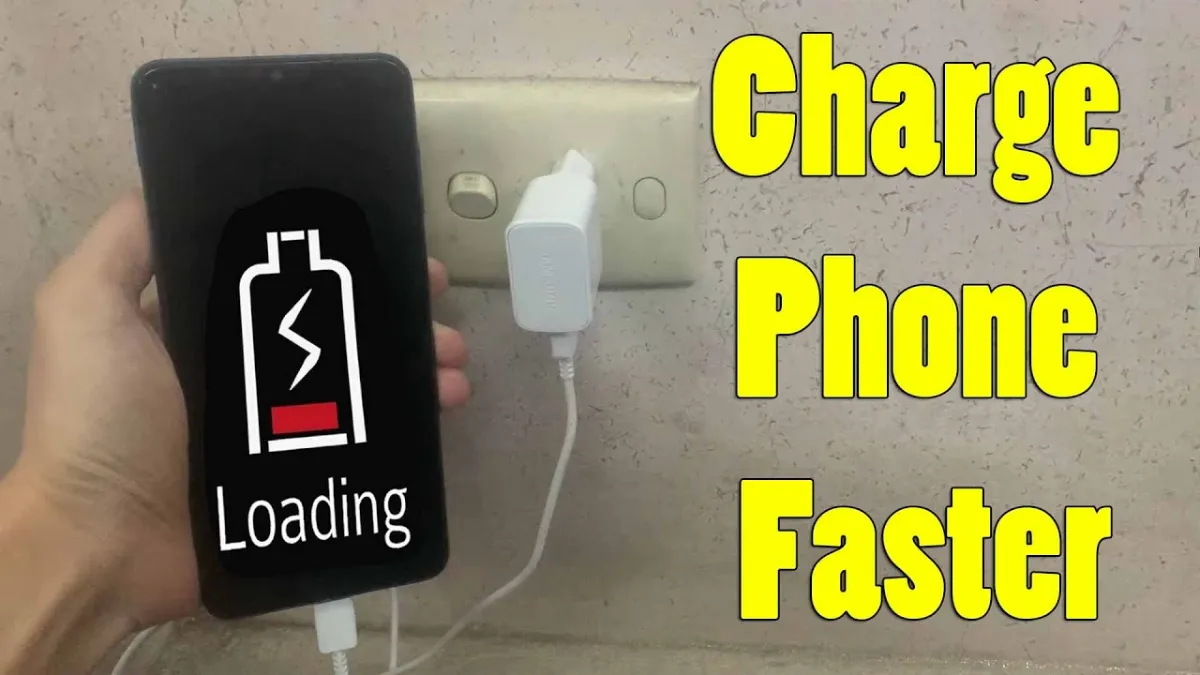
Why Is My Phone Charging So Slowly?
Before you start troubleshooting, you need to figure out what’s behind the sluggish charge. It’s not always something physically wrong with your phone—a lot of times, it’s a mix of settings, accessories, and your own habits. Here’s what tends to slow things down:
1. Chargers and Cables That Don’t Match
Honestly, not all chargers are built the same. Your phone might support fast charging, but if you’re using a low-powered or off-brand adapter, it just won’t deliver enough juice. Say your device supports 25W fast charging, but you’re stuck with a basic 5W adapter—you’ll notice the difference, big time.
Damaged or worn-out cables are another headache. Even if they look okay on the outside, a frayed wire inside can cut down charging speed. Check your cables for any signs of damage. If in doubt, swap them out.
2. Grimy Charging Port
Dust, lint, random crud—your charging port picks up all sorts of debris over time. That junk stops your cable from making a proper connection, so electricity can’t flow like it’s supposed to.
Grab a flashlight and take a peek inside. If you spot fuzz or buildup, carefully clean it out using a dry toothpick, compressed air, or a tiny brush. Just don’t poke around too aggressively and mess up the internal pins.
3. Background Power Drains
Even when plugged in, your phone keeps running apps, and some of them chew through battery faster than it charges. Maps, streaming apps, social feeds—they all add up.
Open your battery settings to see what’s eating your power. Shut down apps you don’t need and turn off background activity for the biggest offenders.
4. Outdated Software or Old Batteries
Sometimes, your phone’s software needs an update. Manufacturers push out updates all the time to help manage battery life and speed up charging. If you’re running an old version, you might be missing out.
If your phone is two or three years old, your battery might just be worn out. Most phones now have a battery health feature in the settings—check it out. If you see your battery has degraded, that’s probably the culprit.
How to Make Your Phone Charge Faster
Now let’s get to fixing this. Try these steps and see how much faster your phone charges.
Stick With the Proper Charger and Cable
If you still have your phone’s original charger and cable, use it. Otherwise, get certified replacements—“MFi Certified” for iPhone or “USB-IF Certified” for Android. Make sure both your cable and adapter are rated for your phone’s fast charging. For example, a 20W or higher adapter with a USB-C PD cable can slash charging time.
Clean the charging port.
Build cleaning into your routine. Every few weeks, check the port and get rid of gunk with a toothpick or a shot of compressed air. Stay away from liquids or metal tools. If you use MagSafe, keep those magnets clean, too.
Turn On Airplane Mode
Want a quick speed boost? Switch your phone to Airplane Mode while charging. That cuts power drain from Wi-Fi, Bluetooth, GPS, and cellular networks, letting your battery charge up faster. Just remember—calls and notifications won’t come through.
Disable Power-Hungry Features
Always-On Display, high brightness, and animated wallpaper all suck up juice. Turn them off or turn them down, just for now. Set your screen to go dark quickly when you’re not using it.
Update Your Software
Go into your settings and check if there are updates you haven’t installed. Updates can improve battery life and fix weird bugs you didn’t even know were slowing down your charge.
Keep an Eye on Battery Health
If you’ve tried everything and your phone still takes ages to charge, your battery may be done for. On iPhones, you can check max capacity under Settings > Battery > Battery Health. If it’s below 80%, it’s probably time for a replacement. Android users—apps like AccuBattery give you similar info.
Extra Charging Tips
Want to really get the fastest charge? Here’s what else helps:
Plug into a wall outlet—computer USB ports just don’t deliver enough power.
Skip wireless charging if you’re in a hurry; it’s slower than wired.
Keep your phone cool while charging; heat messes with battery efficiency.
Charging between 20% and 80% helps preserve battery health, even if it doesn’t actually speed up charging.
The Takeaways
Slow charging usually comes down to bad cables, dirty ports, or apps running wild—not just old batteries.
Always use a certified charger and cable that matches your phone’s power rating.
Clean your port regularly and keep your charging accessories in good shape.
Enable Airplane Mode or cut unnecessary features while charging.
Update your software and check battery health to keep things running smooth.
Frequently Asked Questions
Why is my phone charging slowly even with the original charger?
Probably a dirty port, background apps, or battery wear. Try cleaning, closing apps, and checking battery health. If that doesn’t work, your charger or cable might be damaged.
Can using a fast charger wreck my phone’s battery?
Nope, as long as it’s compatible. Your phone has built-in protection to stop charging when it’s full. Just avoid charging in hot spots—heat speeds up battery wear.
Should I charge all the way to 100% every time?
No need. Your battery actually lasts longer if you keep it between 20% and 80%. So let it dip and skip the full charge once in a while.
Now you know what slows down your phone’s charging and how to fix it. It doesn’t have to mess up your day—just get those habits right, and you’ll have plenty of battery whenever you need it.
Leave a Reply
You must be logged in to post a comment.