
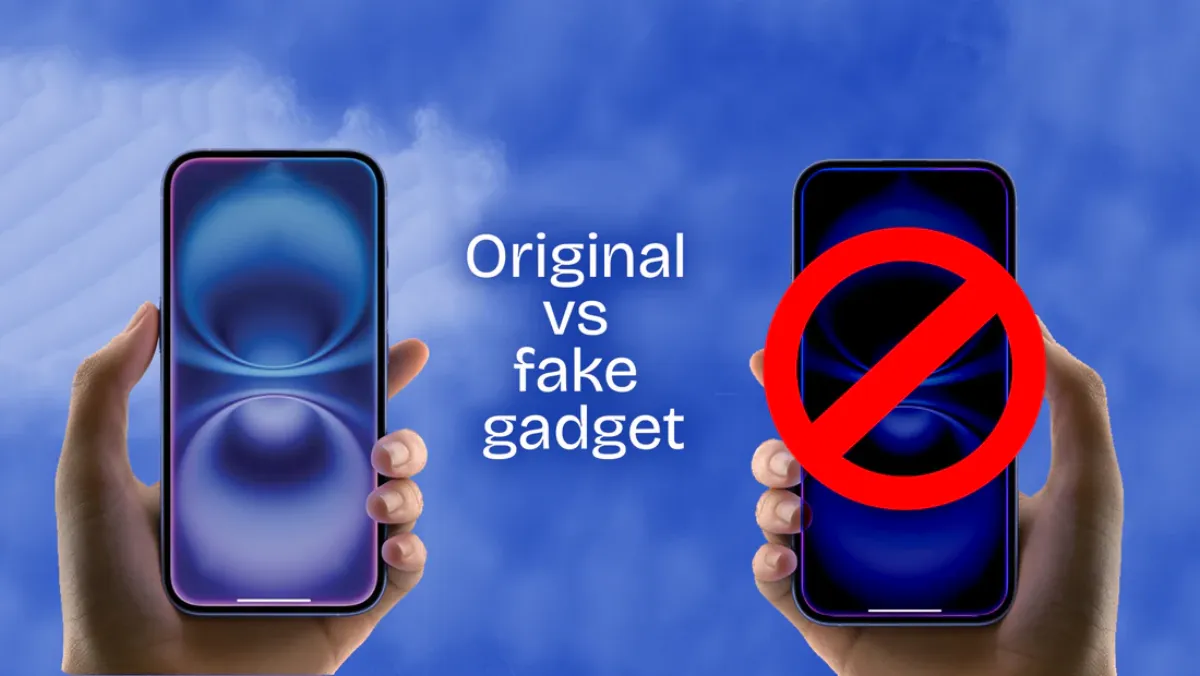
Buying a smartphone in Nigeria can feel exciting at first—until you realize you just handed over your hard-earned cash for a fake. The demand for affordable tech keeps rising, and with it, the market’s flooded with counterfeit phones. Walk through places like Computer Village in Ikeja or Alaba International Market, or even scroll through Jumia or Konga online, and you’ll see them: knockoffs that could fool anyone at a glance. The problem? These fakes don’t last, and you end up risking both your money and your personal info. The upside is, spotting a fake smartphone is way easier once you know what to check for. Here’s a straight-talking guide to help you steer clear of scams.
Why Fake Smartphones Are a Huge Headache in Nigeria
Fake phones aren’t just cheap copies—they’re dangerously unreliable. Nigeria’s loaded with them; the Nigerian Communications Commission (NCC) says they make up almost 30% of all phones sold here. The worst part? They often come from shady factories using really poor materials. Those sketchy batteries inside? They can actually explode.
But it’s not just about safety. These phones miss out on software support, security updates, and real warranties. Some even run hacked versions of Android that drop ads everywhere or steal your data. Many buyers only realize they were scammed after it’s too late—when returns or refunds aren’t possible and the seller’s nowhere to be found.
The Most Common Brands Targeted by Fakers
Pretty much any big brand is a potential target, but these get hit the most:
Samsung (especially Galaxy A and J series)
Infinix (their budget models are everywhere)
Tecno (super popular, so fakes are common)
iPhone (fake iPhones flood markets in Lagos and Abuja)
Xiaomi (Redmi and Mi models often copied)
Even smaller brands aren’t totally safe, so never skip authenticity checks, no matter how okay the seller looks.
How to Spot a Fake Smartphone: 7 Practical Steps
Forget about price being your only clue. Cheap deals usually mean bad news, but here’s a better list of signs to watch:
1. Check the IMEI Number.
Every real phone has a one-of-a-kind 15-digit IMEI. Dial *#06# or look under the battery (if you can remove it). Then check it online:
NCC IMEI Database (ncc.gov.ng)
GSMA IMEI Database (imei.info)
If the IMEI’s missing, tied to too many devices, or the model info’s wrong, just walk away.
2. Look Closely at the Build and Packaging
Fakes are often sloppy. Notice:
Buttons that don’t line up or feel loose
Lightweight, cheap-feeling plastic
Logos that look a little off or pixelated
Boxes with spelling mistakes or blurry printing
Real brands put effort into their packaging. If it looks like a rush job, that’s a red flag.
3. Test the Camera and Screen
Fake phones tend to have bad cameras and displays. Try:
Taking a photo in dim light—bad cameras get really noisy or pixelated fast
Zooming in on text—real phones keep things sharp, fakes look blurry
Checking color and brightness—fake screens can look washed out
Also, swipe around a bit. Real touchscreens feel smooth. Fakes lag or miss your finger taps.
4. Check the Software and How It Runs
Power up the phone and poke around. A lot of fakes come with old or modified Android versions. Watch for:
Weird apps you didn’t expect
No way to update Android
Sluggish performance with barely any apps running
Missing Google staples (like Play Store)
Go to Settings > About Phone and double-check the model number. If it claims to be a top-tier device but says “Android Go” or another mismatched version, it’s likely fake.
5. Look for Official Warranty and Certification
True smartphones ship with a warranty card and certifications. In Nigeria, look for:
NCC certification label
SON (Standards Organisation of Nigeria) mark
The manufacturer’s own warranty card (with serial number, dealer info)
If they can’t provide these or they look like bad photocopies, don’t buy.
6. Stick with Trusted Sellers
This is key. Avoid roadside shops, random online sellers, or anyone with a deal that feels suspiciously cheap. Go for:
Official brand stores (like Samsung Experience Stores or Infinix Hubs)
Dealers listed on the official brand sites
Well-known stores like Slot, Pointek, or the official store section on Jumia
Even in places like Alaba or Computer Village, get a receipt and check that the seller’s authorized.
7. Use the Brand’s Own Tools
Most brands help you check authenticity online:
Samsung’s Warranty Checker
Infinix Support portals
Tecno Verification page
Apple’s serial number tool (checkcoverage.apple.com)
These sites will tell you instantly if the device is legit—and still under warranty.
Watch Out for These Major Warning Signs
Seriously, if you notice these, be careful:
The price is 40-60% below what others charge
No receipt or warranty coming your way
The phone feels much lighter than expected
No branding visible when you boot up
Accessories (charger, earphones) look generic or weirdly cheap
Go with your gut—if something’s off, trust yourself.
Just Bought a Fake? Here’s What to Do
Don’t freak out. You still have some options:
Reach out to the seller fast—ask for a refund or exchange, and save every chat or call
Report it to NCC at ncc.gov.ng/consumer/complaints
Tell the police if there was clear fraud
Leave reviews on Jumia, Konga, or social media to warn others
The more people report, the harder it gets for these scammers to keep at it.
Your Main Takeaways
Always check the IMEI with an official site
Buy only from stores you know and trust
Only accept devices with real NCC and SON labels
Test the camera, display, and software before you pay
Use brand verification tools
Don’t fall for prices that just don’t make sense
FAQ: Quick Answers
Can I return a fake phone bought online?
Yes—you’re protected by Nigerian law. Sites like Jumia and Konga have pretty fair return windows, usually 7 to 14 days. Always keep your original receipt and box.
Are all cheap phones fake?
Nope. Brands like Tecno and Infinix really do sell affordable phones. The issue is when counterfeiters copy these models. Double-check before you buy.
How do I protect myself when buying used?
Meet somewhere public and safe. Check IMEI, battery health, camera, and test everything. Don’t pay cash unless you get a receipt. Use transfer options for a traceable record.
You don’t have to be a tech genius to spot a fake phone in Nigeria—just keep your eyes open and follow these tips. As counterfeiters get smarter, staying informed keeps your money, your data, and your peace of mind safe.